Android with NFC
From your saved page, choose “Write to NFC” in Chrome on a compatible Android phone. Hold your tag near the phone and confirm.

Link · QR · NFC
Your details change. Your card stays.
Create your free page with a personal QR code. Share it from your phone or write the link to your NFC cards.
Printed details become outdated. With DuiLink, your card opens a page you can update: no new QR code and no need to rewrite your NFC tag when your details change.
Anyone reopening your link sees your current page. A vCard already saved in their phone contacts is a snapshot: it does not update automatically.
You do not need to buy a DuiLink card. Save your personal link on a compatible, writable NFC tag from any brand.
From your saved page, choose “Write to NFC” in Chrome on a compatible Android phone. Hold your tag near the phone and confirm.
Copy your DuiLink link and write a URL record using a compatible NFC app. iPhone browsers cannot write tags directly.
Download your personal QR code for your email signature, CV, badge, shop window or printed card. It opens the same page while your account remains active.
Three options, one personal page
Start free with the digital page or carry it on a physical NFC card. All prices are one-time payments.
Free: page, QR code and editing of name, phone number and email. All editing options are included for 90 days; then Basic keeps them for €5.90 once. Standard and Custom already include Basic.
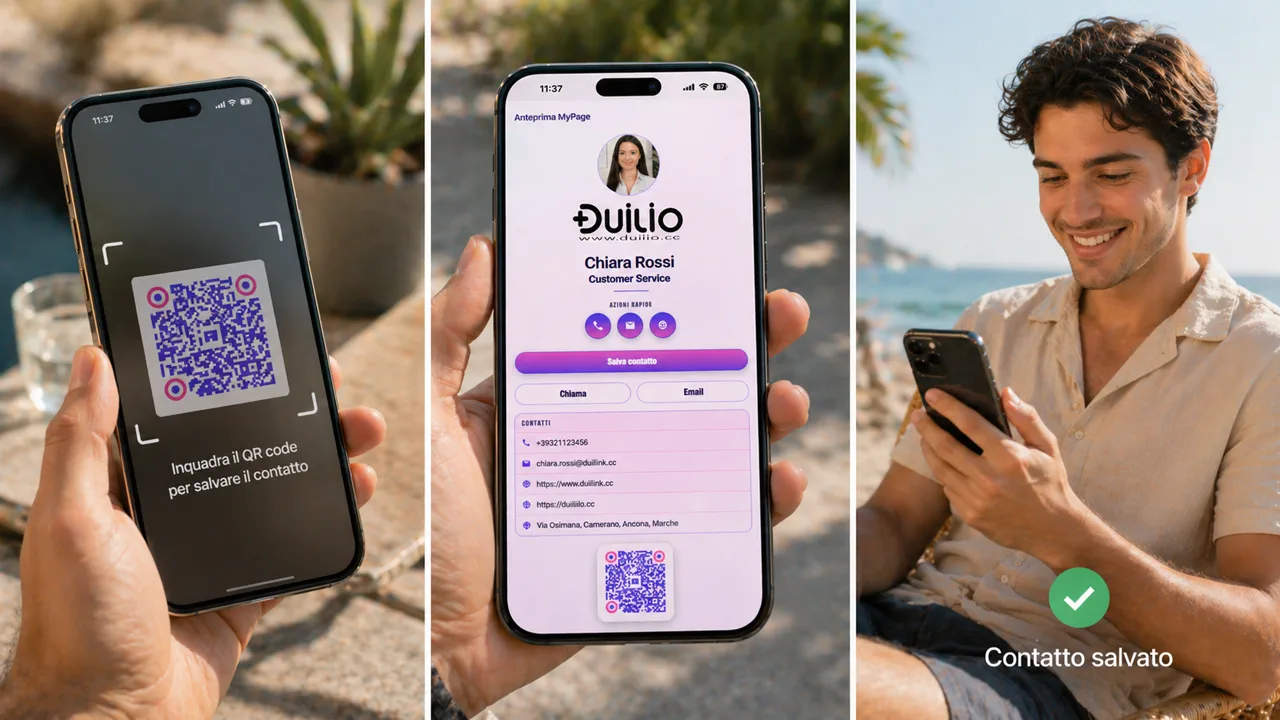
Digital · ready now
Your page and QR code stay free. Edit all fields for 90 days; afterwards, you can still edit your name, phone number and email. Basic keeps all editing options for a one-time €5.90 payment. No automatic renewals.
An editable digital page with personal link, QR code, vCard and NFC support.
Discover Basic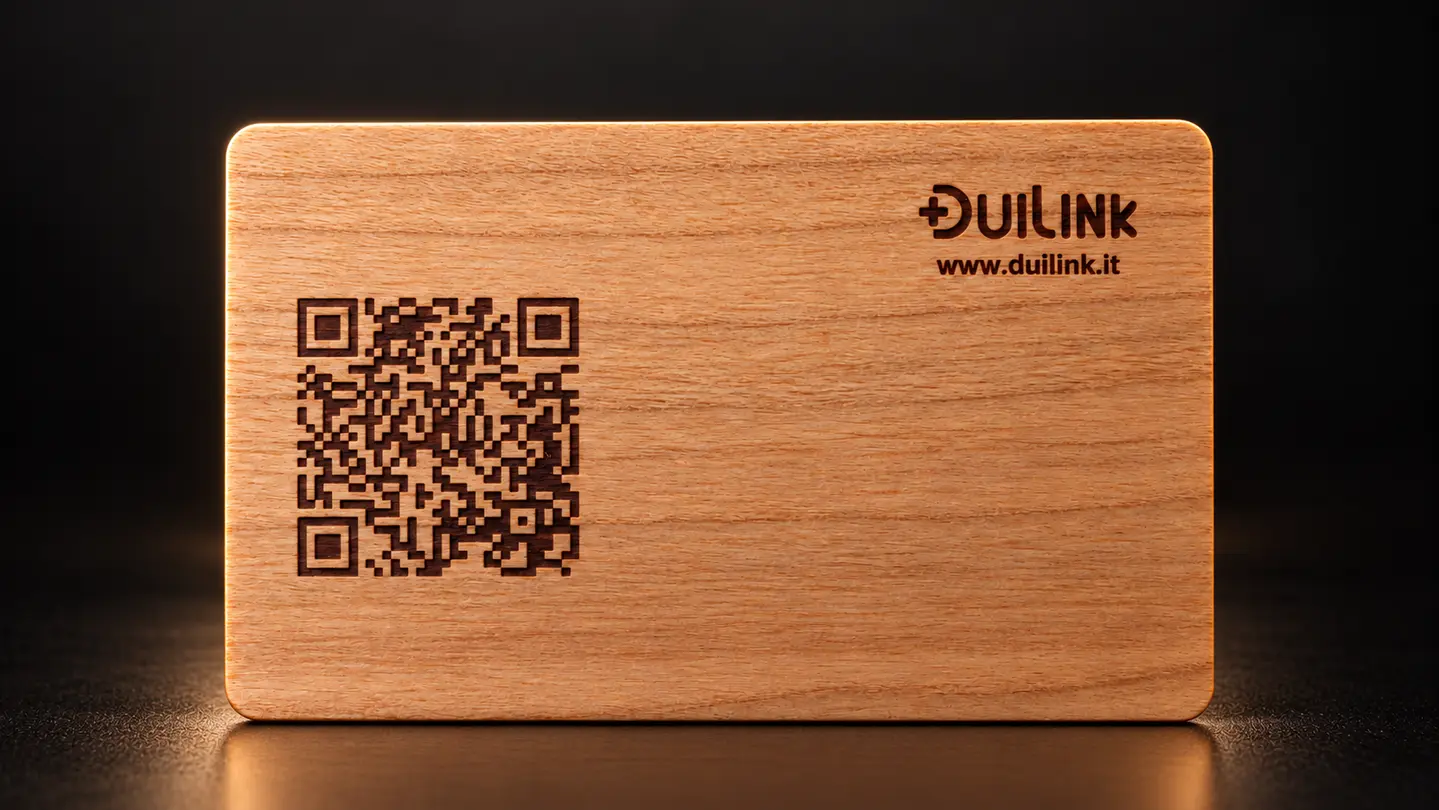
Essential
€14.90
A physical NFC card with the original DuiLink design. Basic is included: all editing options, one payment, no subscription. VAT and standard shipping included.
Discover Standard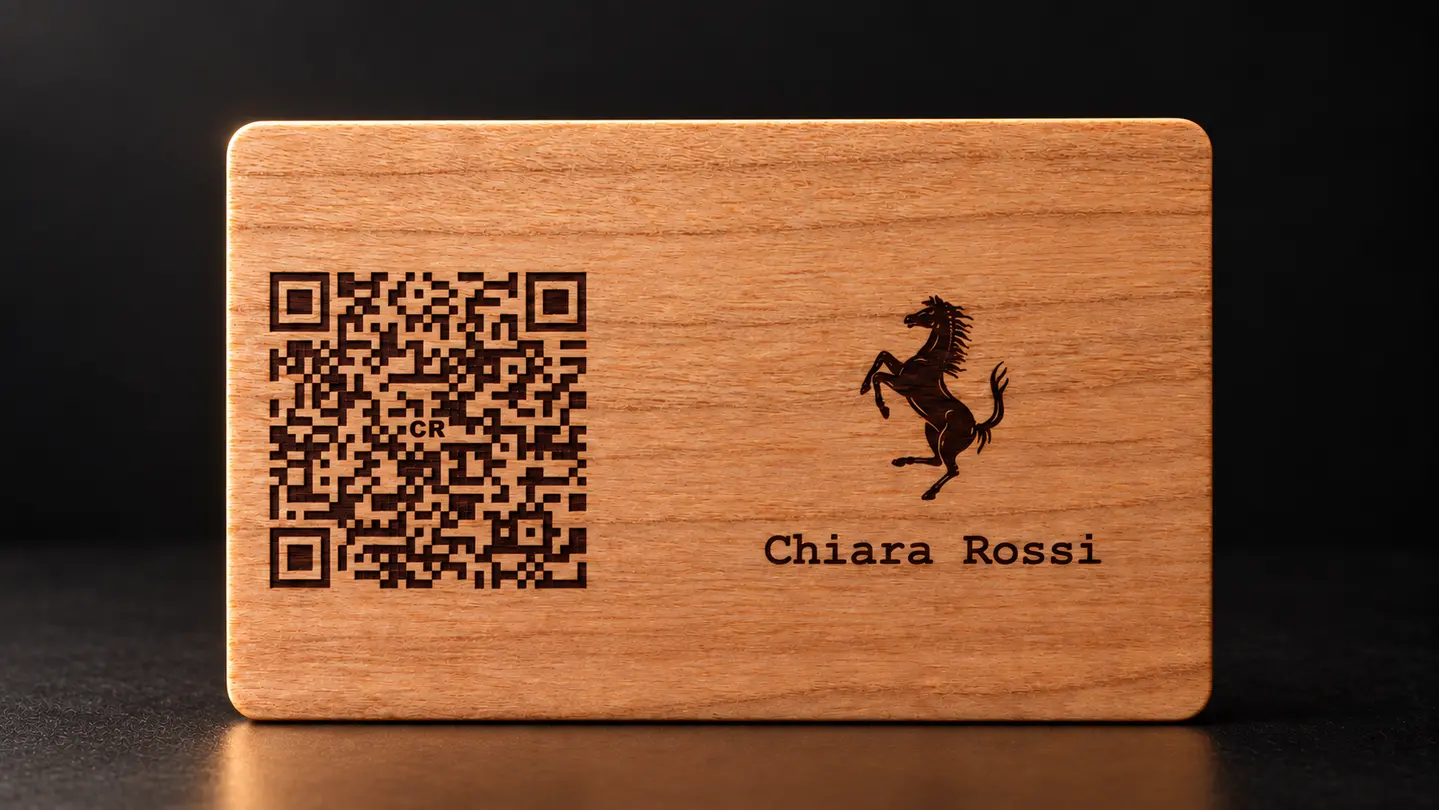
Personalized
€26.90
Your name, optional logo and QR code on a personalized NFC card. Basic is included: no further payment to keep using and editing your page. VAT and standard shipping included.
Discover CustomVAT included. Shipping included for Standard and Custom.
| Feature | Basic | Standard | Custom |
|---|---|---|---|
| Digital page | ✓ | ✓ | ✓ |
| Link, QR code and vCard | ✓ | ✓ | ✓ |
| Physical NFC card | — | ✓ | ✓ |
| Personalized design | — | — | ✓ |
| Shipping included | — | ✓ | ✓ |
| Price | Free page · Basic €5.90 once | €14.90 | €26.90 |
Paper cards get lost, chats move on and a social profile is not enough. DuiLink keeps your useful details together in one place.
Phone, email, website, social profiles and vCard are ready on your MyPage: people can add you to their contacts without copying anything.
The same profile works through a link, printable QR code and NFC: badges, key rings, email signatures, shop windows and cards stay connected to your current details.
Start with the essentials. You can add a photo, logo, social profiles and extra details later, and update them at any time.
Browse the styles, check the preview and find the business card that suits you.
Get your DuiLink, QR code and vCard. Share them immediately or choose a physical NFC card.
Sign in, add the fields you want, personalize your page and you are done: share it, save it to your Home screen and update it whenever you need.
Learn how to program a compatible NFC tag directly from your DuiLink page.